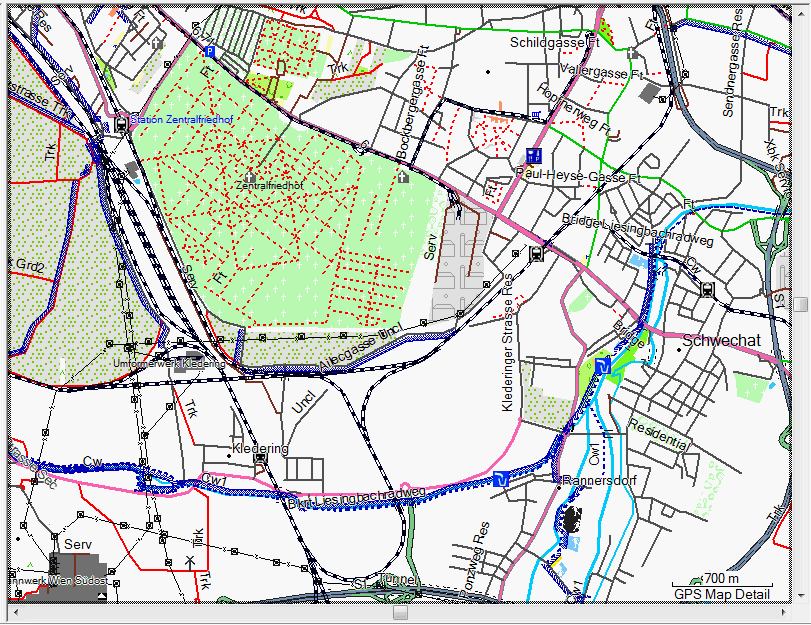
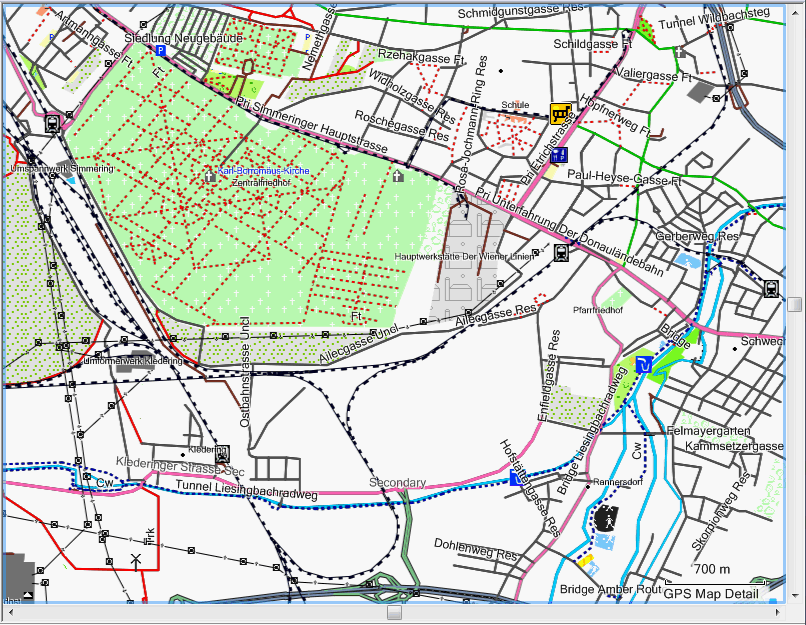
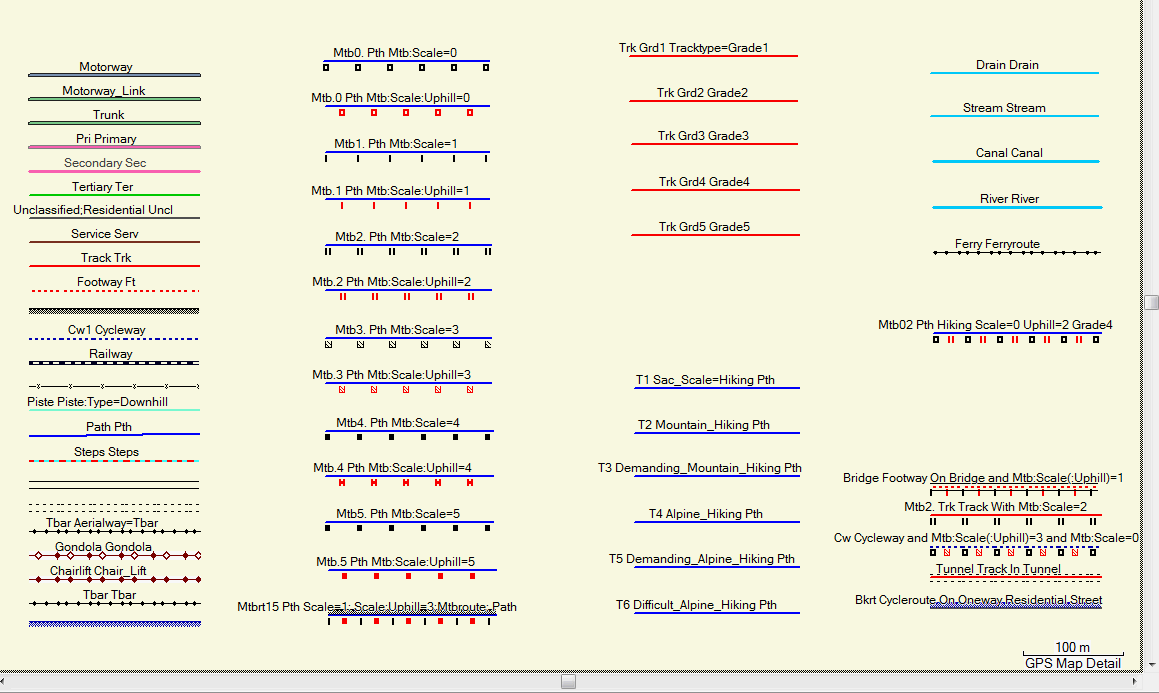
For everyone knowing how to use Mapsource
There are some pecularities with the openmtbmap.org to pay attention to: It is not advisable to simply select maps by left clicking. Instead you should hold the left mouse button and drag it over the maps to selct them. Otherwise only one layer will be selected. Watch out that for every region the layers are selected (it's impossible to miss halve of them, if you have more than one you're sweet). Controll in maps window in the Name column.
For Newcomers:
Mapsource is the easiest tool to send maps to your GPS. There are some pecularities with the openmtbmap.org to pay attention to:
0. Select the openmtbmap in the drop-down menu if you have not done so already. The drop down menu is to the left of the "+" and "-" button used to zoom in/out. It is only shown if more than one map is installed.
1. Zoom out (best to 30 – 70km on details "Medium" ). You can directly click onto the zoom using the drop-down menu.
2. Select the mapselect tool:
3. Now click on the map – and while holding the left mouse button – drag it over the area you wan't to tranfer to your GPS. In the right pane under Maps you should see the selected maps now:

If you want to transfer maptiles from several maps, just select another map on the map dropdown menu – untill all maps you want to have on your GPS are selected (remember, maps previously on your GPS in /garmin/gmapsupp.img (basemaps are saved under a different name) will be overwritten, so include maps previously sent to your GPS too if you want to continue working with them). If the firmware of your GPS is up-to-date most GPS can handle up to 4096MB of maps.
4. Make sure that if you wan't to have autorouting enabled, that this button is ticked:
5. Now choose any other mapsets that you wan't to transfer to your GPS. Notice that by sending new maps to your GPS all old maps (except the basemap, or the Topographic extended map of Europe for some Colorado/Oregon that came with your unit) will be deleted. I think actually that you can't overwrite maps on internal memory (important for Nuvi) – but I have no Nuvi so I can't test this. You can preview which maps will be deleted by connecting your GPS to your computer and renaming the gmapsupp.img on the SD card to gmapsupp.img.bak and then restart your GPS to see which maps don't show up anymore. If you are unsure best make a backup of all the data on your GPS. 6. In the top Menu click on Transfer –> "Send to Device". It's fastest to send the maps to an SD/microSD card in a card reader because most Garmin units only support USB 1.1 and not USB 2.0 High Speed – so sending maps directly to the unit connected via USB will take much longer than to your data card. I recommend to send maps to external data cards and not GPS internal memory.
Spend a token to make the maps even better

If you prefer for time problem I can do a test with your style and/or typ correction (if you said me what I must change) and compiling a map with your style and typ with CreateIMG. I hope you find the problem your map is the best!
I’ve found the problem in the mtbitaly ( I’m italian ) if can be useful.
Thanks and sorry for the spam
Dear All,
i hope someone could help with my problem. Everything works fine in MS, all icons and street names are displayed but if i send the map to my mobile, only the first letter of street names and poi´s is displayed. What can i do?
zur sicherheit nochmal auf deutsch: Die openmtbmap wird in MapSource richtig dargestellt, aber nach dem Übertragen auf mein Garmin Mobile XT werden nur noch die Anfangsbuchstaben der Strassen und Punkte angezeigt. Auch die Suche nach Orten findet nur Anfangsbuchstaben. Die Suche nach Adressen scheitert an der Frage nach einem Bundestaat, welcher nicht gefunden wird. Wäre toll wenn jemand eine Lösung hätte.
Schon mal vielen Dank
I’ve the same problem, in the older maps this problem not exist, you have resolved?
I’m looking into this problem. Maybe it is related to me not using –latin1 anymore. Gonna check tomorrow if I find the time.