idioma

email feed

Recent Comments

Los mejores mapas para MTB y montañismo


Bienvenido a Openmtbmap.org - ¡Consiga los mapas más populares para bicicleta de montaña de todo el mundo! Todos los días más de 4000 personas llegan a esta página para obtener información y conseguir mapas que les guíen por los mejores senderos, en lugar de extraviarse. Estas son las razones por las que confiar en los Openmtbmaps:


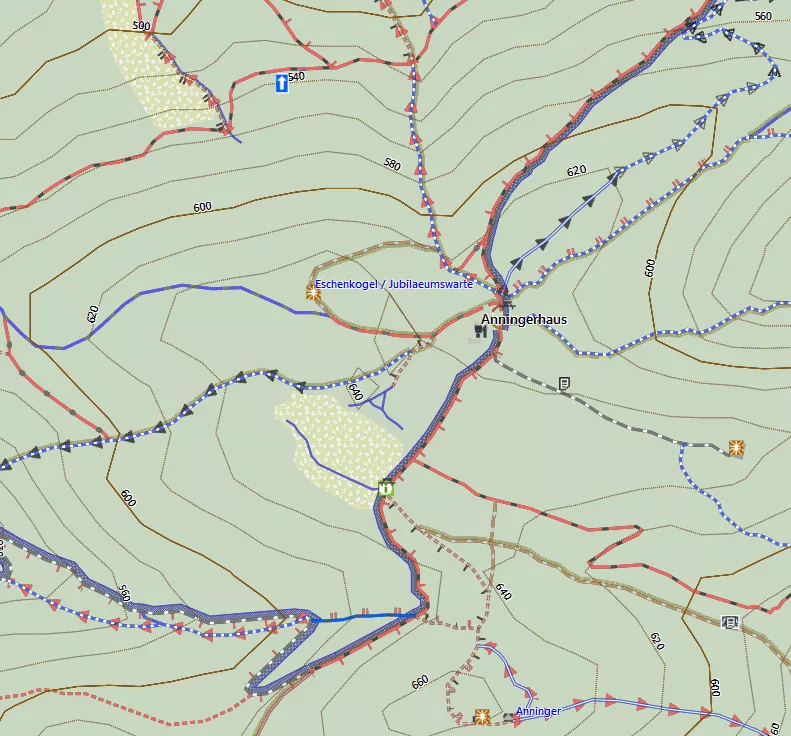
  • ¿Tipo de vía / calle? Diferenciación clara entre todos los tipos de vía. Los mapas muestran la información de manera ideal para ciclistas / montañeros. Por ejemplo, con flechas de descenso para indicar senderos con pendiente muy pronunciada.

  • Información de interés para MTB & senderismo / montañismo & ciclismo, tal como fuentes de agua potable, refugios de montaña, postes de información,… Las rutas se muestran de manera evidente junto a (y no en lugar de) las calles, diferenciadas por colores según su tipo, y según su importancia

  • Curvas de nivel basadas en los excelentes datos de viewfinderpanoramas.org. De mucha mejor calidad en las zonas montañosas que los datos SRTM3", que padecen de abundantes huecos sin información.

  • ¿Quiere participar?  ¿Está el mapa incompleto o es incorrecto? Puede participar y añadir la información que falta a OSM. ¡Actualizo los mapas todas las semanas, así que cada semana los mapas son mejores y más completos! Únase a los más de 300.000 usuarios que mapean en OSM en todo el mundo, y añada vías o corrija los errores usted mismo.

  • Buena documentación porque todo lo que pueda y necesite saber se puede encontrar en Openmtbmap.org. Primeros pasos y descargue los mapas

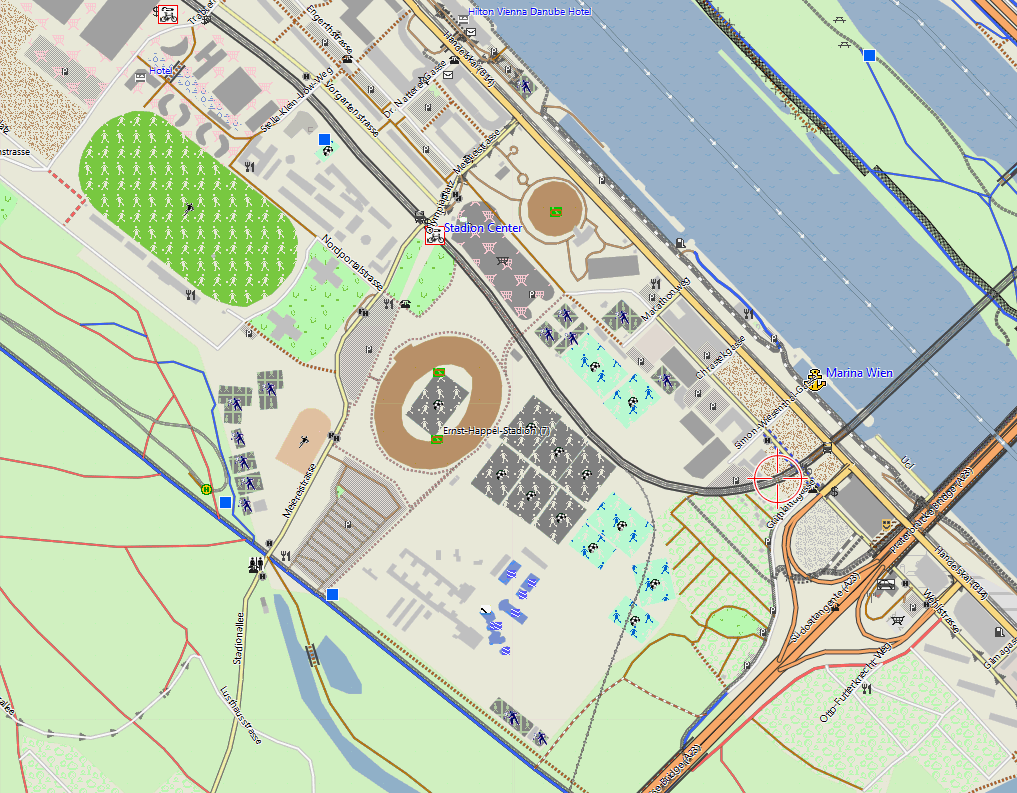
  • Velomap: Si monta principalmente por carreteras o usa su bicicleta de carretera, ofrezco también los mapas VeloMap. Los mapas VeloMap prestan especial atención a las carreteras adecuadas para ciclistas y a las vías y rutas ciclistas. Al mostrar menos detalles, estos mapas resultan más fáciles de entender.


¿Quién puede usar los mapas de openmtbmap.org?

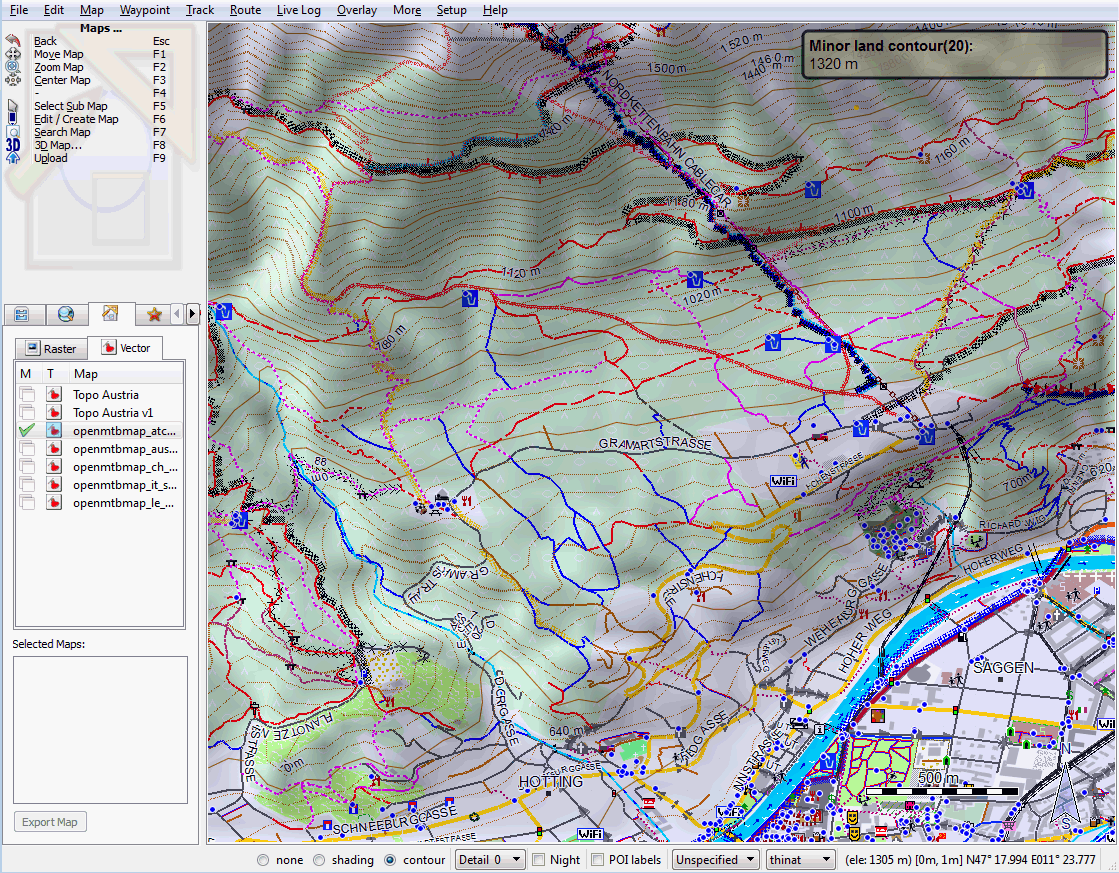
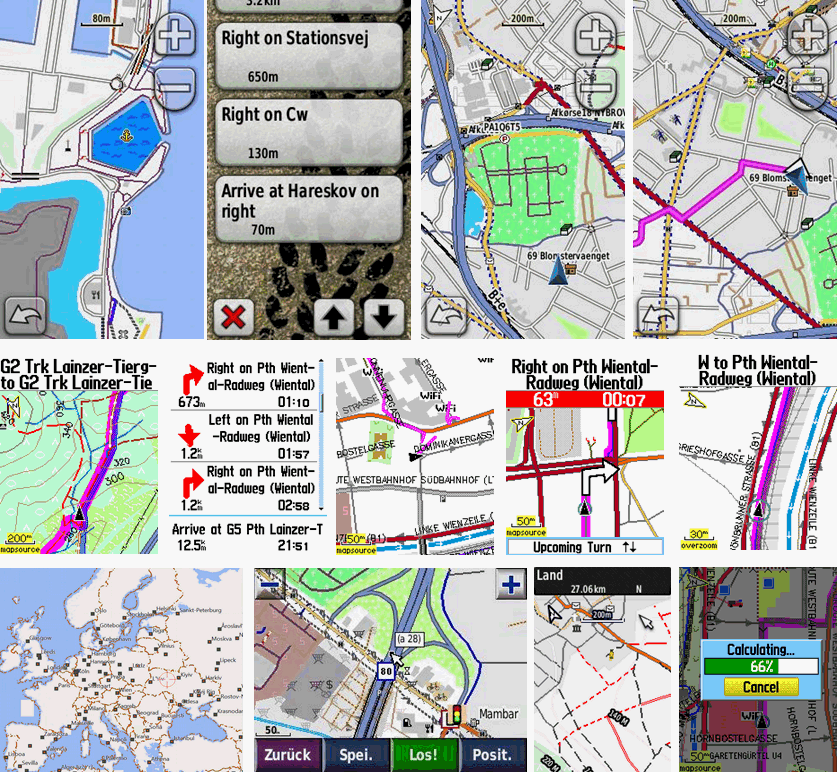
Los mapas que aquí se ofrecen son principalmente para su uso por parte de propietarios de GPS Garmin y ciclistas de montaña en general, sin embargo no es necesario que disponga de un GPS para usarlos. Qlandkarte GT, un visor de mapas de software libre y de descarga gratuita permite visualizar los mapas en toda su dimensión, y aunque no posea un GPS Garmin ni haya comprado mapas de Garmin, siempre puede instalar el Garmin MapSource en su ordenador y disfrutar del autorouting como nunca. Además de los anteriores hay programas de terceros tales como Gloups o Garmin Mobile XT que se pueden usar para ver los mapas de openmtbmap.org en su PDA o smartphone.


Acerca de openmtbmap.org

Comencé a trabajar con OSM porque vi la oportunidad de que, por primera vez en la historia, hubiera mapas creados por ciclistas de montaña para ciclistas de montaña. Sin embargo en esos momentos aún no había ninguna estructura para clasificar caminos, por lo tanto desarrollé la etiqueta mtb:scale así como otros muchos otros atributos para OSM. Sin embargo casi nadie usaba estas nuevas etiquetas, así que comencé a crear mapas que las mostraran, y al cabo de unos meses publiqué openmtbmap.org para poner los mapas a disposición de cualquiera que deseara descargarlos.

En la actualidad hay en torno a 2000-5000 visitantes diarios diferentes en openmtbmap.org (medido mediante Google Analytics).

Openstreetmap nos da la capacidad de crear mapas realmente orientados a bicicleta de montaña como nunca hasta ahora había sido posible. ¡Por esta razón le animo a involucrarse y comenzar a participar en OSM, como ya hacen más de 300.000 personas en todo el mundo!


Map Updates 17 Februar 2012

Well I continued further with my full concentration on integrating the contourlines into the maps and improving the Installer. From now on the installer remembers on map updates if you had installed the maps with contourlines integrated or not. Also there is a new option to have a separate contourlines map installed (this setting will be remembered from next map update onwards for future updates).

Now the separate contourline map is useful if you want to be able to switch on/off the contourlines on your GPS. However as the separate contourline map is identical no matter if you install it via a Openmtbmap or via a Velomap installer you will need to leave it activated also on the other install. E.g. if you install the openmtbmap Germany, and tick "install separate contourline map for Germany" and then install the Velomap and don't check "install separate contourline map for Germany" – the separate contourline map is uninstalled. Also if you would uninstall the Velomap Germany, it will be uninstalled (even though you installed it using the Openmtbmap Germany).

Also the German Bundelaender now include contourlines (with the exception of Berlin, Hamburg, Bremen as these citystates are too flat to make 20m equidistance contourlines more useful than distracting).

As for further countries to include contourlines. I finished the contourlines for both Australia-Oceania and United States. As the contourlines are however large in filesize (and I cannot create so big installers – they have a 2GB filesize limit), I decided to upload them separately. This means I will post links in the premium Map download Section (or also on the normal map download page) where you can download the contourlines and then simply unextract them into the folder of the map. They will be used according to your setting in the installer. Also for the Europe map for the next update I will separate maps and contourlines in order to cut the download size a bit (so for doing an update you only need to download the new installer, and the new map files, but you don't need to download the contourlines again).

For Canada I will also upload contourlines – however my server will still neeed about 120 hours to compile them (I noticed that the region covered by SRM1 data is not all over Canada – hence I need to mix it with SRTM3 data – and hence compile it again).


Once finished with the contourlines integration – I will work on some Video Tutorials covering basic topics like installation of maps, installation of Basecamp/Mapsource, and working with the maps — to be available in the premium section.


Oh and another little change. At the end of installation the installer will open up your browser and ask you to donate. If you haven't  done so yet – I'ld be grateful if you do, cause only if I receive enough donations to live, I can continue working full time on improving the openmtbmaps/velomaps and the website….

Valentines Day Map Updates…..

Well I won't give out flowers to everyone receiving this newsletter, but prefer to announce that I solved some problems on the map updates. The main problem for the maps from the last update was that in the Openmtbmap, showing an altitude profile for routes in Mapsource/Basecamp didn't work, on the other hand for Velomap if you deactivated the contourlines during installation – the routing in Mapsource/Basecamp would be broken. I solved this problem now (wasn't so easy as I first thought) – and now both profile and routing work no matter what you select on installation. I plan to rewrite the installer in such a way, that it also proposes a separate installation of the contourlines – so for people who prefer to send the contourlines as a separate map to the GPS (so you can switch it on/off) they can do so easily.

Because I don't think it is used much, I also decided to stop including the install_openmtbmap.bat, the unregister/reregister_addresssearch.bat as well as the uninstall.bat. In order to make sure noone uses them anymore (they don't work anymore for maps with contourlines) I decided for the installer to delete them.


On the other hand since a few weeks mkgmap can create a working address index when creating a gmapsupp.img file (the format you need for your GPS) and I wrote a new batch routine that creates gmapsupp.img files with mkgmap including address search ready for your GPS (create_gmapsupp.img_with_mkgmap.bat). If there is demand I will still include a question for you to choose if you want a) only openmtbmaps/velomaps without contourlines b) with contourlines integrated c) map in its own gmapsupp.img file and contourlines in its own gmapsupp.img file.

Also I (maybe for the last time? So few people using it…) repaired the create_mapsource_installationfiles_with_mkgmap.bat that was broken due to mkgmap updates. Thanks for Christoph to point me on the error. I also integrated hike and easy layout to be chosen.

I also fixed the FID on the North America Velomap maps, so that now they don't interfere anymore and you can both install the openmtbmap and the velomap of the same North American country/region.

Last but not least I am since about 1 week working on contourlines for North America. First I thought it will be done quickly, but actually due to the enourmos data amount of the SRTM1 data – my server is now processing Canada and US-South since over 100 hours, I hope it will eventually sometimes finish. Besides I will still create contourlines for New Zealand and maybe South America…