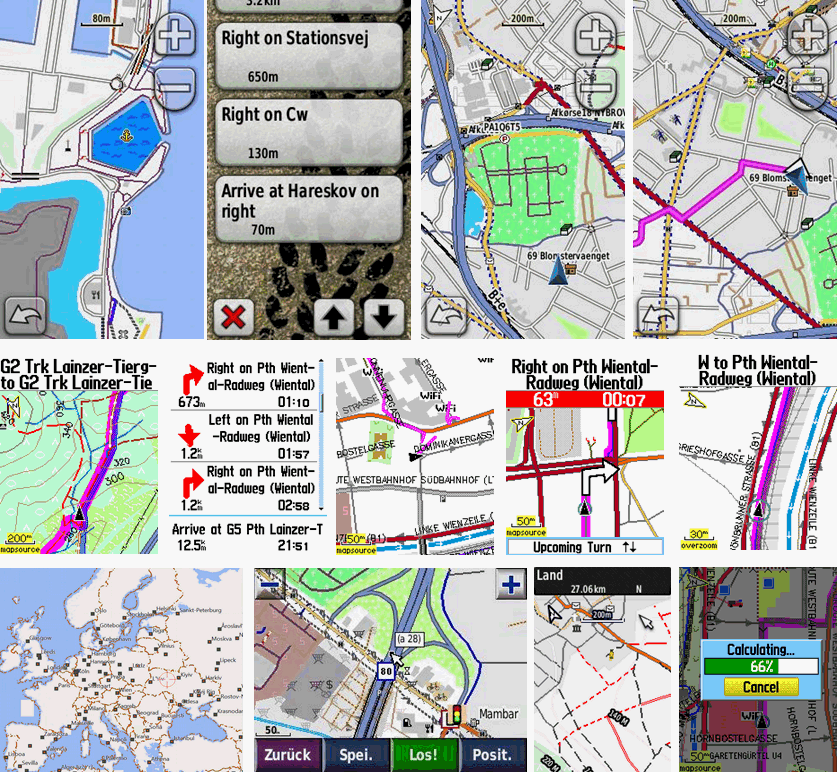
Garmin ha recentemente rilasciato un nuovo firmware molto difettoso per edge 1040, 840 e 540. Ci sono due enormi problemi con questo nuovo firmware (21.x) riguardanti il rendering delle mappe. Tutte le mappe pubblicate a partire dal 2 giugno sono quindi adattate.
a) Il layout nelle mappe è definito tramite un file .typ. In questo file di tipo ci sono due modi per definire come dovrebbero essere visualizzate le strade. Il primo è impostare due colori, uno per la linea e uno per il bordo. E l'altro è usare due colori e creare una semplice bitmap (32x32px). Probabilmente per aumentare il contrasto o qualunque cosa Garmin abbia deciso di rendere il bordo 4 volte la larghezza definita nel file .typ. Ciò non influisce sulla maggior parte delle mappe moderne poiché utilizzavano solo un colore della linea senza bordo, ma in molte mappe più vecchie Garmin utilizza anche un colore del bordo. Ora sembra che la soluzione ovvia sia passare semplicemente alla bitmap anziché alla linea/bordo, ma il problema è che la maggior parte dei dispositivi Garmin rende le linee bitmap diverse e sembra peggio. Poiché credo che circa la metà dei miei utenti utilizzi openmtbmap/velomaps con dispositivi Garmin edge, ho deciso di rimuovere i bordi e visualizzare la maggior parte delle strade solo in un unico colore. Prima che la maggior parte delle strade abbiano un bordo grigio/nero. L'alternativa di utilizzare le linee bitmap invece mi è sembrata peggiore.
b) i dispositivi firmware 21.x non rispettano correttamente le impostazioni relative alle etichette. Niente che possa aggiustare qui. Puoi tuttavia scegliere nel layout della mappa di non mostrare le etichette per determinate categorie.
Ho passato molto tempo a cambiare tutti i diversi file di tipo, ma ti consiglio comunque di non aggiornare. È possibile eseguire il rollback inserendo un vecchio file del firmware GUPDTATE.GCD nella cartella /garmin, tuttavia ciò ripristina completamente il dispositivo, quindi è piuttosto fastidioso. È possibile impedire gli aggiornamenti dei dispositivi GPS Garmin Edge inserendo un file GUPDATE.GCD fittizio nella cartella /garmin (rinominare un file di testo senza contenuto ma con uno spazio vuoto). Non so se in futuro verranno lanciati anche altri dispositivi Garmin con questo firmware rotto. Era stato segnalato a Garmin sul firmware beta ma non è stato risolto.
In precedenza avevo deciso di rimuovere il layout "Sottile" da OpenMTBMaps per risparmiare tempo adattandolo quando cambio le cose al layout. Dopo diverse richieste ora ho reintroducito il layout Thin per le OpenMTBMaps e ho anche aggiunto un layout thin alla VeloMap. È più sottile di 1 px rispetto al layout classico/velo (legacy). Penso che sia utile solo per i dispositivi GPSMap 60/62/64/65 con display a bassa risoluzione: tutti gli altri dispositivi Garmin hanno DPI più elevati. Poiché a volte le persone chiedono quale layout scegliere, aggiungo di nuovo una spiegazione qui (e in altri punti nei file di aiuto/sito Web):
Fondamentalmente differiscono in base al caso d'uso, alla larghezza della linea e al colore delle strade. I file tipo "Legacy" utilizzano la differenziazione stradale blu/verde/rosso/giallo a contrasto più elevato, mentre i layout "modern" utilizzano una differenziazione stradale rosso-giallo a contrasto inferiore. La filosofia alla base di questo è che sui file tipo legacy si sa esattamente che tipo di classificazione ha una strada, mentre nel layout moderno c'è un approccio più fluido dalle autostrade alle piccole strade che inconsciamente ti dice la classe della strada. Google Maps è un ottimo esempio di layout moderno, mentre le tipiche mappe stradali tedesche sono l'ispirazione per il layout legacy. I layout moderni offrono una panoramica migliore quando guardi la mappa su un grande schermo/display poiché è più facile per il cervello classificare l'importanza in un istante e ha un aspetto più gradevole/tranquillo, mentre il layout tradizionale fornisce una classificazione più esatta ma richiede più tempo per l'elaborazione le informazioni e sembra meno carino. La larghezza del layout deve essere scelta in base al DPI del dispositivo e alle preferenze. Poiché la maggior parte dei dispositivi Garmin attualmente venduti (tranne gli smartwatch) sono ottimali ai miei occhi per i layout Wide: layout speciali come inverno, escursionismo, facile o topo sono disponibili solo in stile Wide.
Quale file .typ dovrei scegliere (OpenMTBMap) - Ordinato da sottile a extra largo?

Thin - Sottile: ottimizzato per GPSMap 60/62/64/65 (2px piccole strade/sentieri/tracce)
*mthn --- Layout sottile: come l'eredità classica ma con linee ancora più sottili. Per dispositivi GPS Garmin a bassa risoluzione come la serie GPSMaps.
Classic: Larghezza media - - ottimizzata per Vista/Legend/edge_705 (3px piccole strade/sentieri/tracce)
*clas --- Serie classica - strade rosse/gialle - piuttosto sottile per dispositivi Garmin con DPI inferiori
*cllg --- Classic Legacy - Come sopra ottimizzato per le serie Vista/Legend/edge_705 - strade blu-verde-rosso-giallo
Wide - Ampio: ottimizzato per Oregon/Colorado/edge x30/edge x40/GPSMap 66/67 e dispositivi più moderni. (4px piccole strade/sentieri/tracce)
*largo --- layout ad alto contrasto, come classico ma con foresta bianca e strade/linee più larghe - strade rosso-gialle
*wdlg --- come sopra - ma strade blu-verde-rosso-giallo
*facile --- Layout semplice con (quasi) nessuna informazione aggiuntiva rispetto alle tradizionali mappe topografiche. Stessa larghezza del Classico. Nessuna aggiunta. linee per (mtb:scale(:uphill)/cycleway=*/sac_scale)
*escursione --- Simile a facile ma completamente ottimizzato per l'escursionismo.
*wint --- Layout invernale simile a quello escursionistico - ma ottimizzato per gli sport invernali (non mostra informazioni su mtb/bicicletta). Mostra percorsi per slittino, sci nordico e scialpinismo.
*topo --- Semplice stile di mappa topografica - Facile da capire - contrasto elevato.
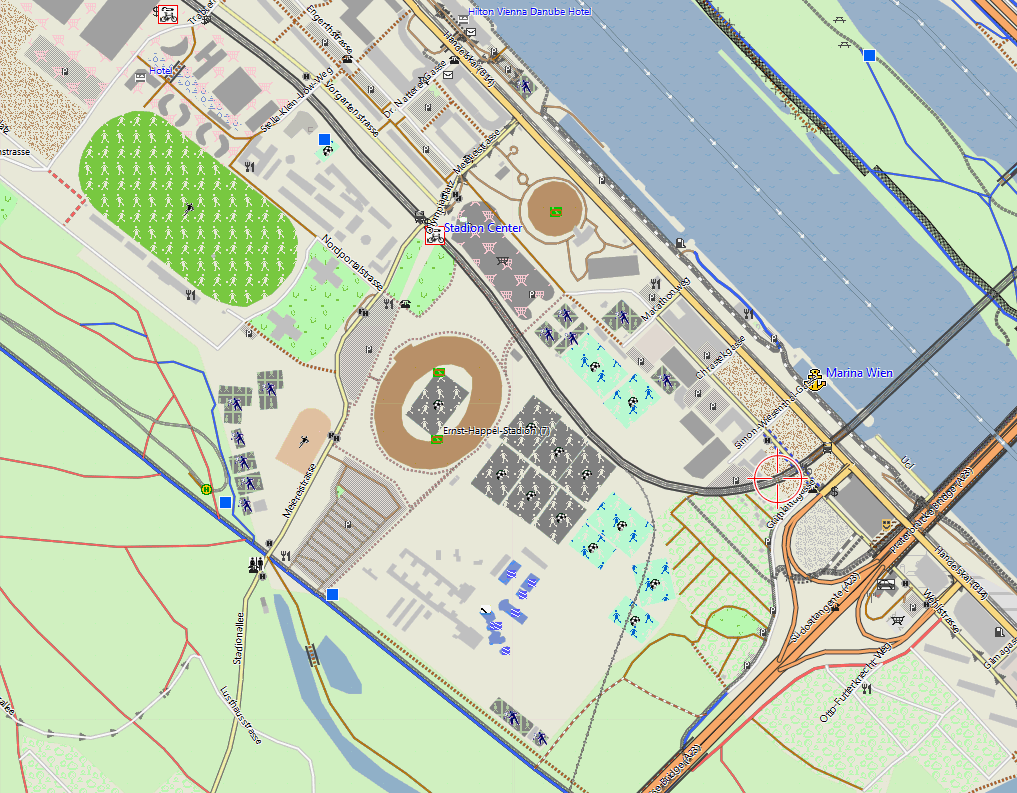
*trad --- Mapsource/Basecamp/Qlandkarte_GT/Desktop --- Layout generale del grande schermo/risoluzione. È il layout più semplice da comprendere ed è ottimizzato per schermi di grandi dimensioni (800x600 o più grandi). Colori stradali simili a Google Maps. Contrasto medio - quindi dannoso per l'uso del GPS.
FENIX - Extra ampio: per display a 64 colori di orologi Fenix/orologi con display MIP (piccole strade/sentieri/tracce 5px)
*fenx --- Fenix - simile a Wide Legacy ma ottimizzato per gli orologi della serie Fenix 5/6/7 che possono mostrare solo 64 colori
Altri aggiornamenti recenti.
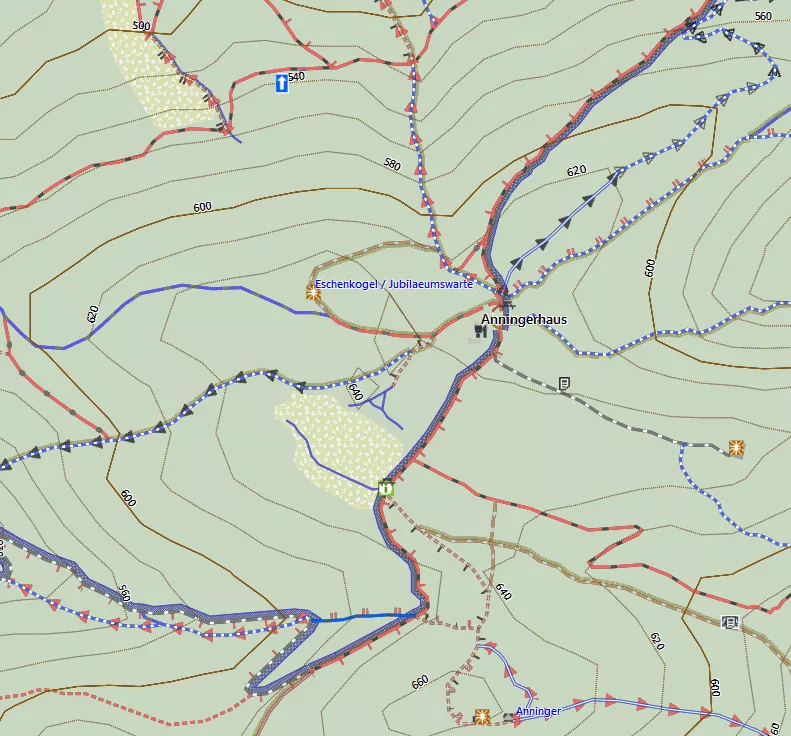
Ho ancora una volta rielaborato un po' il modo in cui disegnare tracce e percorsi con le informazioni mtb:scale. L'avevo cambiato 2 anni fa e ora sono tornato un po' a com'era prima di sperare che fosse un compromesso migliore. È sempre difficile scegliere i diversi colori. In generale, i colori scuri offrono un contrasto migliore sui display MIP dei dispositivi GPS Garmin, ma anche alcuni colori come il viola, il turchese, il giallo, il verde o il rosso risaltano bene. Tuttavia il viola viene solitamente utilizzato per percorsi/tracce. mentre il turchese è usato per mostrare il modo in cui hai viaggiato per tornare indietro e se usato per le strade potrebbe essere facilmente confuso con oggetti d'acqua. Ecco perché ho scelto il verde per i percorsi valutati con mtb:scale e per i percorsi mtb. Ora il marrone (usato per i sentieri escursionistici sac_scale) ha in realtà un contrasto migliore, ma il verde risalta di più nella mappa. Ecco perché ho deciso di utilizzare il verde per i sentieri mtb e il marrone per i sentieri escursionistici. Per quanto riguarda la colorazione dei percorsi mtb come le piste da sci da molto facile (verde), facile (blu), intermedia (rosso) a difficile (nero) - funzionerebbe solo per una sovrapposizione - ma distruggerebbe qualsiasi altro tipo di informazione nella mappa. Anche con le diverse abilità dei mtbiker la classica classificazione in 4 livelli semplicemente non è sufficiente, lo stesso vale per la classificazione dell'escursionismo in base alla difficoltà.
Nuove curve di livello per l'Italia e la Repubblica di Cipro. Da 2 mesi finalmente tutta l'Italia è disponibile con le curve di livello basate su dati LIDAR - prima questo era frammentario solo per alcune regioni mentre il resto si basava su dati DEM satellitari. Per Cipro (solo il Sud) le curve di livello sono ora finalmente basate anche su LIDAR. Ciò lascia solo Portogallo, Irlanda, Ungheria, Bulgaria, Grecia e piccole parti di Romania e Croazia nell'UE senza curve di livello basate su LIDAR. E ovviamente aggiorno come sempre un bel po' di bug o adattamenti alle chiavi/terminologia OSM.
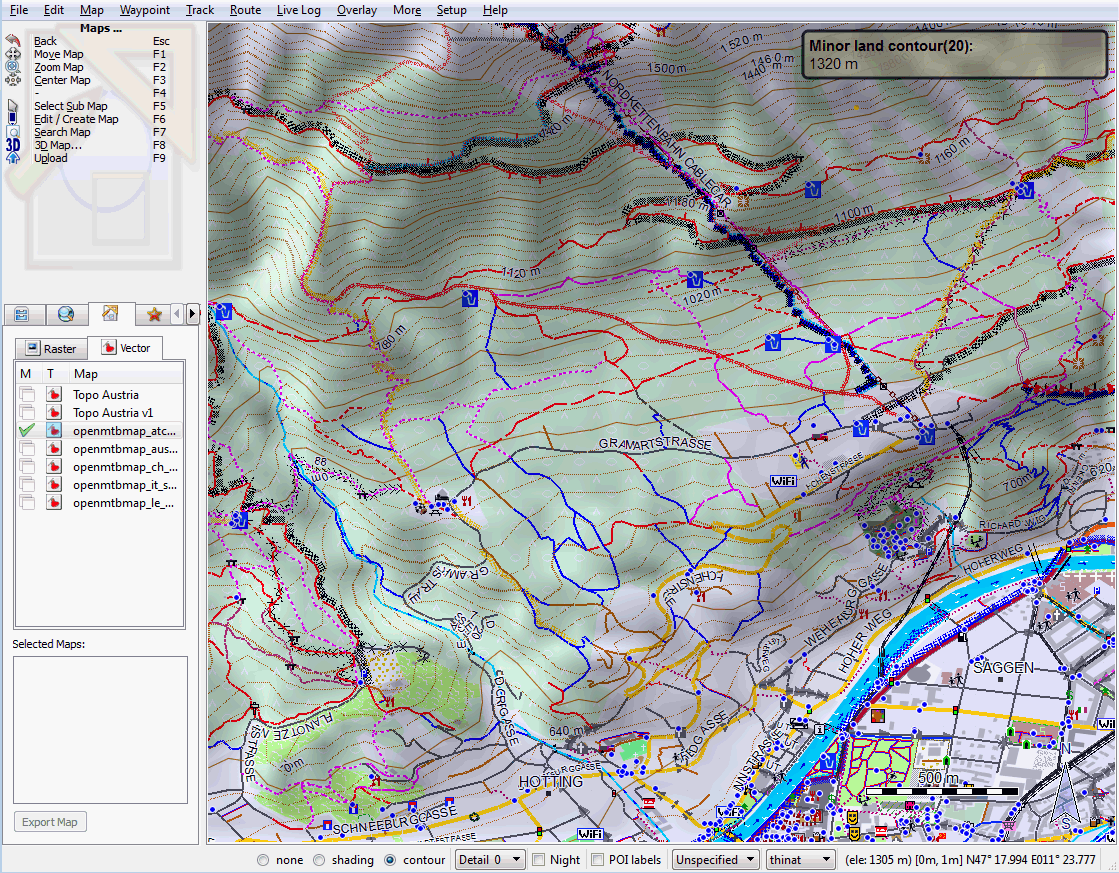
Thin Layout - Hofgarten Innsbruck.
Commenti Recenti